Apps For Stay-At-Home Parents: Essential Tools For Sanity
Discover top-rated apps that streamline daily tasks, family schedules, and self-care for stay-at-home parents juggling home life.
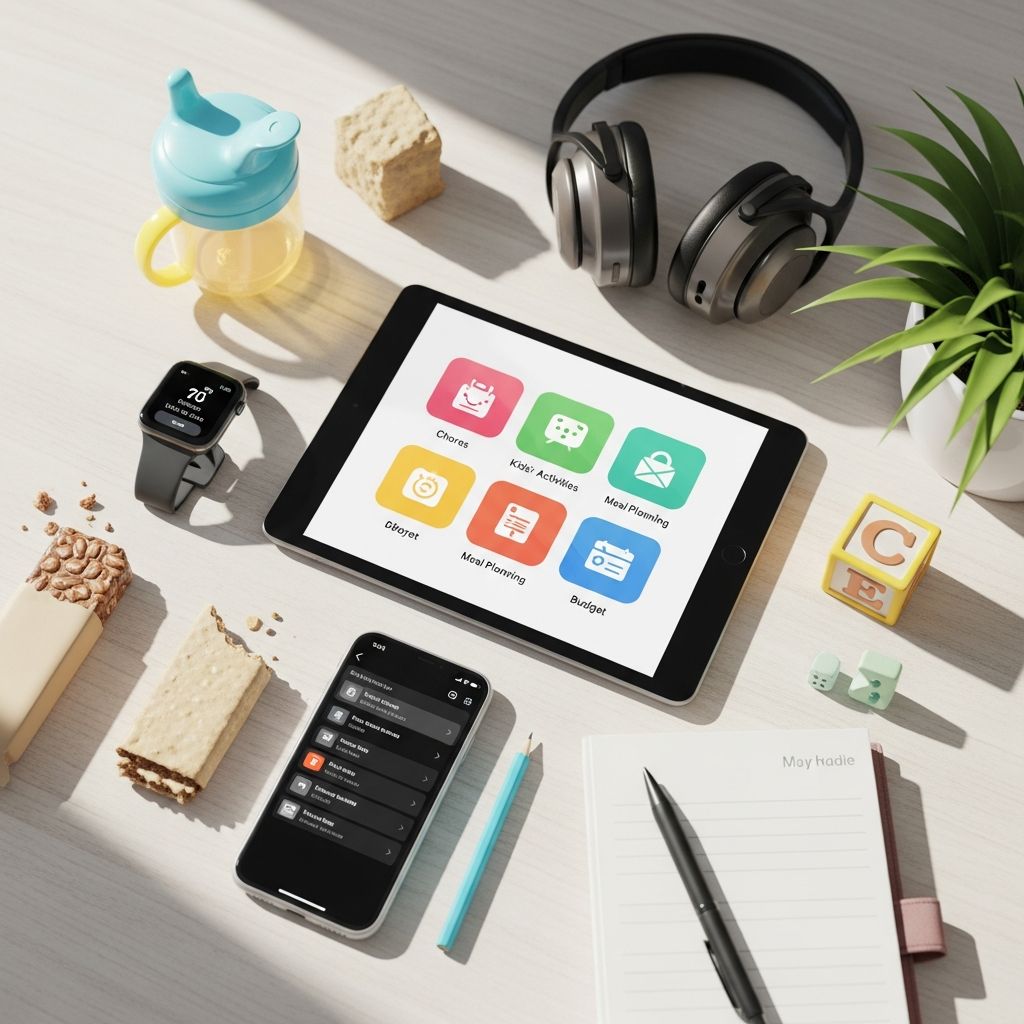
Essential Apps for Stay-at-Home Parents: Streamline Your Daily Chaos
Being a stay-at-home parent means wearing multiple hats—caretaker, chef, scheduler, and housekeeper—all while keeping the family thriving. The demands can feel overwhelming, but digital tools designed for family organization offer a lifeline. These apps transform scattered notes and mental checklists into seamless systems, helping parents coordinate schedules, plan meals, track health, manage budgets, and even find occasional help. Drawing from popular recommendations, this guide highlights standout apps that cater specifically to the unique rhythm of home-based parenting. Whether you’re syncing with a partner, hunting for kid-friendly activities, or squeezing in self-care, these solutions promote efficiency and peace of mind.
Mastering Family Schedules with Shared Calendars
One of the biggest challenges for stay-at-home parents is keeping everyone aligned on appointments, school events, and family commitments. Shared calendar apps eliminate the back-and-forth texting and forgotten events by providing a central hub accessible from any device.
Cozi Family Organizer stands out as a comprehensive tool used by millions of families. It features a color-coded calendar where each family member gets their own hue, making it easy to spot soccer practices from doctor’s visits at a glance. Beyond scheduling, Cozi includes shared grocery lists, to-do lists, and recipe storage, turning it into a family command center. The free version covers basics, while Gold ($29.99/year) adds premium features like birthday reminders and an address book.
Similarly, Google Calendar offers robust sharing options. Create separate calendars for kids, spouse, and household chores, then share them instantly. Integration with other Google services means reminders pop up on phones, and voice commands make adding events hands-free—ideal during nap time or while chasing toddlers.
| App | Key Features | Price | Best For |
|---|---|---|---|
| Cozi | Color-coded calendars, grocery/to-do lists, recipes | Free (Gold $29.99/yr) | Full family coordination |
| Google Calendar | Multiple shared calendars, reminders, integration | Free | Simple syncing with partners |
Task Management: Conquer To-Dos and Chores
Endless lists of chores, errands, and projects can pile up quickly. Task management apps help prioritize, delegate, and track progress visually, ensuring nothing slips through the cracks.
- Trello: This visual board-based system uses cards and lists to organize everything from weekly cleaning rotations to vacation planning. Family members can have individual boards or collaborate on shared ones, dragging tasks to ‘Done’ for satisfaction. Free for basics, with power-ups for advanced needs.
- Google Keep: For quick, collaborative checklists, Keep shines. Jot down grocery items, assign chores, or brainstorm kid activities—changes sync in real-time across devices. Color-coding and labels keep things sorted without complexity.
- Wunderlist (now Microsoft To Do): Ideal for speedy task entry, it supports due dates, reminders, and sharing. Group tasks into folders like ‘Home Repairs’ or ‘Kids’ Homework,’ perfect for stay-at-home workflows.
These tools reduce mental load by making delegation easy—assign a task to your partner, and they get notified instantly. Parents report feeling more in control, with one noting it as a ‘game-changer’ for household harmony.
Meal Planning and Grocery Mastery
Deciding what’s for dinner amid picky eaters and tight budgets is a daily battle. Meal planning apps automate recipe organization, generate shopping lists, and save time at the store.
Plan to Eat lets users clip recipes, drag them to a calendar, and auto-generate categorized grocery lists. Share with family for input on meals, reducing decision fatigue. It’s praised for helping families eat healthier, save money, and minimize waste.
AnyList focuses on smart shopping lists that suggest items as you type and group them by aisle (e.g., produce, dairy). Sync shared lists with spouses or roommates—edits appear live, so no duplicates. Recipe integration pulls ingredients directly into lists.
For budget-conscious parents, combine these with tracking apps to align spending with meal plans, ensuring nutritious eating without overspending.
Health and Baby Tracking for Peace of Mind
Monitoring medications, feedings, or sleep patterns is crucial, especially with infants or children with routines. Dedicated health apps provide reminders and logs shared between caregivers.
WebMD offers symptom checkers, drug reminders tailored to prescriptions, and savable doctor notes. The medication alerts are smarter than phone alarms, factoring in dosing schedules.
Glow Baby tracks diapers, feedings, sleep, and milestones across multiple child profiles. Both parents log data, syncing for consistent care—vital when partners alternate shifts.
Childcare, Activities, and Community Support
Stay-at-home doesn’t mean isolated. Apps connect parents to sitters, activities, and peer advice.
- UrbanSitter: Leverages your network for vetted sitters with reviews, videos, and background checks. Quick responses (under 3 minutes) make it ideal for date nights or errands.
- Winnie: A Yelp for parents, with reviews of parks, classes, and eateries. Community forums offer real-time advice from fellow moms.
- Knoala: Generates age-appropriate activities to break monotony, sparking creativity without endless scrolling.
Budgeting and Financial Wellness
Family finances demand attention too. Apps simplify tracking and saving.
Fabric handles budgeting, life insurance, and wills in one spot—streamlining paperwork for new parents.
EveryDollar by Ramsey Solutions uses zero-based budgeting: assign every dollar a job. Track expenses easily to hit savings goals like college funds.
Acorns rounds up purchases for micro-investments, building wealth effortlessly.
Fitness and Mental Health Integration
Self-care prevents burnout. Short workouts and therapy access fit busy days.
FitOn delivers quick, equipment-free exercises shareable with partners.
Talkspace connects to licensed therapists via text, video, or audio for on-demand support.
Frequently Asked Questions (FAQs)
Which app is best for shared family calendars?
Cozi is top-rated for its all-in-one features including calendars, lists, and recipes, used by 20 million families.
Are these apps free to start?
Most offer free tiers with premium upgrades; start with basics like Google Calendar or Trello at no cost.
Can apps help with childcare finding?
Yes, UrbanSitter uses networks for trusted sitters with fast booking and reviews.
How do meal apps save money?
By generating precise lists from planned recipes, reducing impulse buys and waste.
Is there an app for tracking baby milestones?
Glow Baby logs feedings, sleep, and growth for multi-parent sharing.
Choosing the Right Apps for Your Family
Start with 2-3 apps addressing your pain points—like calendars and tasks—then expand. Test free versions to ensure they fit your tech comfort and family’s needs. Regular use builds habits, freeing mental space for joyful parenting moments. These tools don’t replace presence but amplify it, helping stay-at-home parents thrive amid the beautiful chaos.
References
- 8 of the Best Organization Apps to Make Parenting (a Little) Easier — Fabric Blog. 2023-05-15. https://meetfabric.com/blog/best-organization-apps-mom-hacks-new-parents
- The 10 Best Apps for Parents to Keep You Connected and Organized — The Way It Really Is. 2024-02-10. https://www.thewayitreallyis.com/apps-for-parents/
- Best apps to help working parents juggle daily tasks and work-life balance — Thriving Parents. 2023-11-20. https://www.thriving-parents.com/blog/best-apps-to-help-working-parents-juggle-daily-tasks-and-work-life-balance
- Best Apps for Moms (SAHMs, WAHM, WOHMs) — Every Avenue Life. 2016-01-15. https://everyavenuelife.com/2016/01/best-apps-moms/
- Get Your FAMILY Super Organized with Digital Tools for BUSY Moms! — YouTube (Wichita Mom). 2023-08-05. https://www.youtube.com/watch?v=0uavPskDZJg
Similar Articles








Read full bio of Sneha Tete